

From Classroom to TpT: Free Tools for Creating Teacher Resources


As part of the the Six-Week Creator Challenge, I promised to share free tools that I use to create and sell digital products online. This week focuses on TpT (Teachers Pay Teachers), but even teachers who don’t plan to sell on TpT will find these tools useful.

If you’re a teacher or educator looking to turn your classroom resources into digital products, you don’t need expensive design software to get started. In fact, some of the most popular products on Teachers Pay Teachers (TpT) are created with tools you already know and love, such Google Docs and Google Slides. For those of you who don’t like Google products, I will be addressing other free tools, such as Canva and MS Office tools, in future posts.

However, I love Google’s free suite of tools, especially Docs and Slides. Whether you’re building engaging graphic organizers, editable writing prompts, or classroom decor, Google tools can help you create polished, professional-looking products with ease. Here’s how to get started.


Step 1: Choose the Right Tool for Your Product

Google Docs is perfect for:

  • Printable worksheets
  • Reading passages
  • Lesson plans or unit outlines
  • Instructional guides or templates

Google Slides is great for:

  • Interactive lessons
  • Task cards or flashcards
  • Anchor charts
  • Student activities that require visual organization
  • Editable classroom signs or posters

The best part is that you can also combine both tools—use Docs for written instruction and Slides for visuals.


Step 2: Set Up Your Document or Slides for TpT Use

  • Page Setup:
    • For printable products, change the slide/page size to standard 8.5 x 11 inches (File > Page Setup > Custom).
    • Use landscape or portrait depending on your design needs.
  • Branding & Design:
    • Use consistent fonts, colors, and a simple logo or footer with your name/store link.
    • Add a cover page, directions page, and credit page to your product.
    • Include terms of use and citation for any graphics or fonts used.
  • Make it Editable (Optional):
    • Create editable text boxes in Slides so teachers can customize parts of the product.
    • In Docs, use tables or comments to guide users where they can modify content.

Step 3: Export, Bundle, and Upload

  • When your product is complete:
    • Export as a PDF for secure, print-ready versions.
    • If offering an editable version, include the Google Docs or Slides link using a force-copy URL.
    • Bundle PDFs and editable versions in a ZIP file if needed.
  • Upload your product to TpT:
    • Write a clear, keyword-rich product title and description.
    • Include preview images (screenshots of your Doc/Slides).
    • Tag relevant grade levels and standards.

Final Tips for Success

  • Start with resources you already use in class. If it worked for your students, chances are other teachers will find it valuable too.
  • Keep your formatting simple and classroom-tested.
  • Reuse templates! Save time by reusing Docs/Slides layouts across multiple products.

Creating high-quality TpT products doesn’t require fancy design software. With Google Docs and Slides, you can create resources that are clean, customizable, and totally teacher-friendly.

Short Story Analysis Tool-Kit

I created the product below, in my TpT store, using Google Docs + Canva (for the cover)
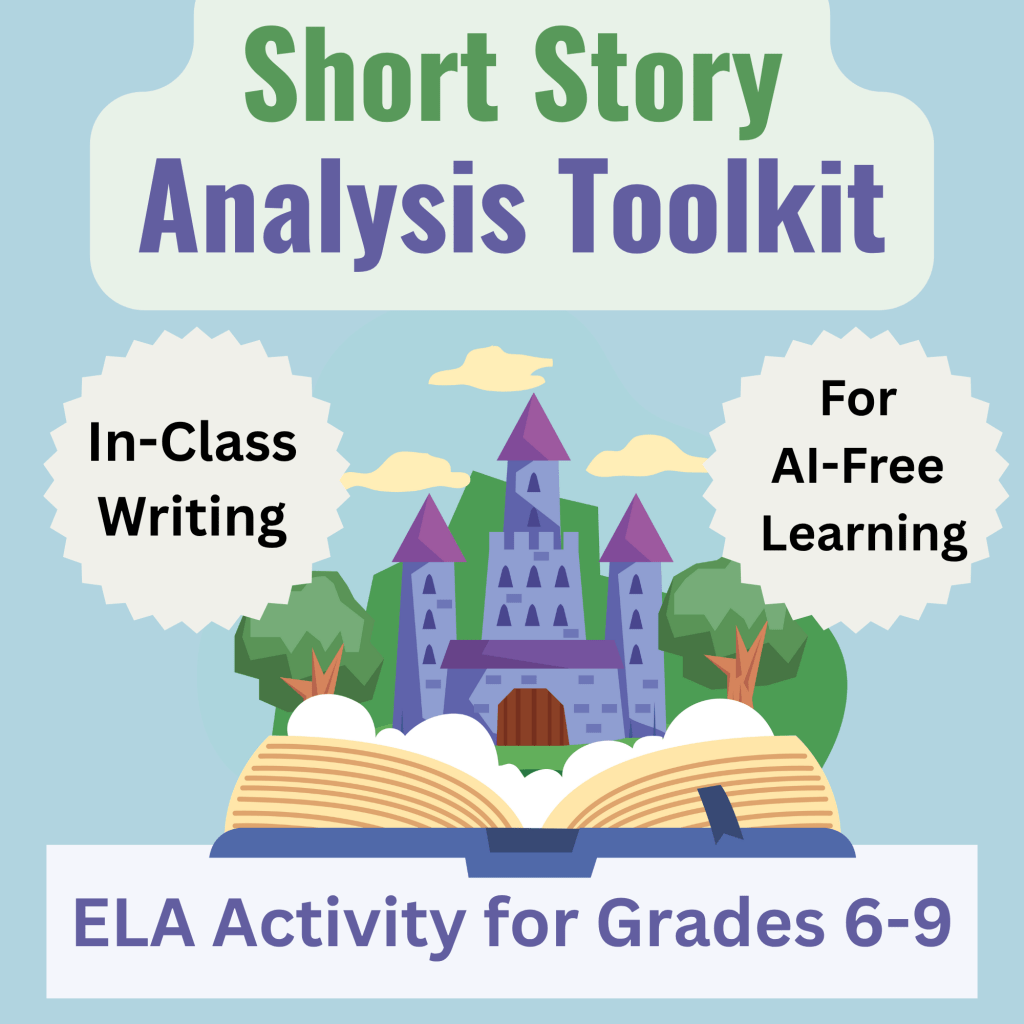
Short Story Analysis Toolkit (link to TpT)

Discovery Writing & the Art of Process


As writers, we often think of our craft as a means to an end. Whether it’s finishing a novel, completing a research paper, or submitting a blog post, the focus is usually on the final product. But writing is so much more than the polished piece we send out into the world. It’s an act of discovery, reflection, and growth. Writing isn’t just about what we produce—it’s about the journey we take to get there.

This idea of writing to discover is at the heart of what makes the creative process so fulfilling. When we sit down with a blank page or screen, we may have only the faintest glimmer of an idea. It’s through the act of writing—the messy, circuitous, sometimes frustrating act—that we find clarity, have epiphanies, and learn not only about our subject but also about ourselves.

Writing as a Tool for Learning and Reflection

Writing is one of the most powerful tools we have for learning and reflection. When we write, we’re forced to slow down and engage deeply with our thoughts. This deliberate act allows us to explore ideas, connect seemingly unrelated concepts, and arrive at insights we might not have discovered otherwise.

For students, this process is especially valuable. In an age where instant answers are just a Google search away, writing teaches patience and critical thinking. It encourages them to wrestle with complex ideas and come to their own conclusions, fostering a deeper understanding of the material. Writing to learn isn’t about regurgitating facts; it’s about grappling with them until they become meaningful.

Embracing the Struggle

Let’s be honest: writing is hard. It’s messy, it’s unpredictable, and it rarely goes as planned. But that’s exactly why it’s so valuable. The struggle is where growth happens. When we’re stuck, when we don’t know what to say, when our ideas feel like an incoherent jumble—those are the moments when we’re forced to dig deep and push through. And in doing so, we often discover something unexpected and profound.

As teachers, it’s crucial to help students embrace this struggle. Too often, students are focused solely on the end result: the grade, the word count, the “perfect” essay. But if we can shift their mindset to see writing as a process of discovery, we can help them find joy and meaning in the act itself. The best writing doesn’t come from avoiding the struggle; it comes from working through it.

Why Shortcuts Undermine the Process

In today’s world, shortcuts are everywhere. AI tools can generate essays, rephrase sentences, and even mimic a writer’s voice. While these technologies can be helpful in certain contexts, they also risk undermining the very essence of writing. When we rely too heavily on shortcuts, we cheat ourselves out of the opportunity to think deeply, to wrestle with our ideas, and to grow as writers.

This isn’t to say that AI tools have no place in the writing process. Used thoughtfully, they can assist with tasks like brainstorming or editing. But they should never replace the creative act of writing itself. For students especially, it’s important to resist the temptation to outsource their thinking. Writing is about more than producing words on a page; it’s about learning, reflecting, and discovering who they are as thinkers and creators.

Writing to Have Epiphanies

Some of the most rewarding moments in writing come when we have a sudden epiphany—when an idea clicks into place or we see a connection we hadn’t noticed before. These moments can’t be forced, and they certainly can’t be generated by a machine. They arise organically, often when we’re deep in the flow of writing, fully engaged with our thoughts.

For me, these moments are a reminder of why I write. They’re a testament to the power of the process—a process that is often messy, frustrating, and slow but ultimately transformative. And it’s this transformative power that we, as teachers and writers, must nurture in ourselves and our students.

Encouraging Discovery Writing in the Classroom

So how can we foster this mindset of writing to discover in our classrooms? Here are a few strategies:

  1. Emphasize Process Over Product: Build time for brainstorming, drafting, and revising into your assignments. Celebrate progress and effort, not just the final submission.

  2. Incorporate Reflective Writing: Use journals, freewrites, and personal reflections to encourage students to explore their thoughts without worrying about perfection.

  3. Teach Writing as Thinking: Frame writing as a way to work through ideas, solve problems, and make connections. Encourage students to write even when they’re unsure of what they want to say.

  4. Model the Struggle: Share your own experiences with the challenges of writing. Let students see that struggle is a normal and necessary part of the process.

  5. Discuss the Role of AI Thoughtfully: Help students understand both the potential and the limitations of AI tools. Teach them to use technology as a support, not a substitute, for their own thinking and creativity.

Writing is a journey, not a destination. It’s about the process of discovering, learning, and growing—a process that is deeply human and profoundly rewarding. As writers and teachers, we have the privilege of engaging with this process and helping others do the same. So let’s embrace the messiness, celebrate the struggle, and remind ourselves that the true value of writing lies not in the product but in the act itself.