
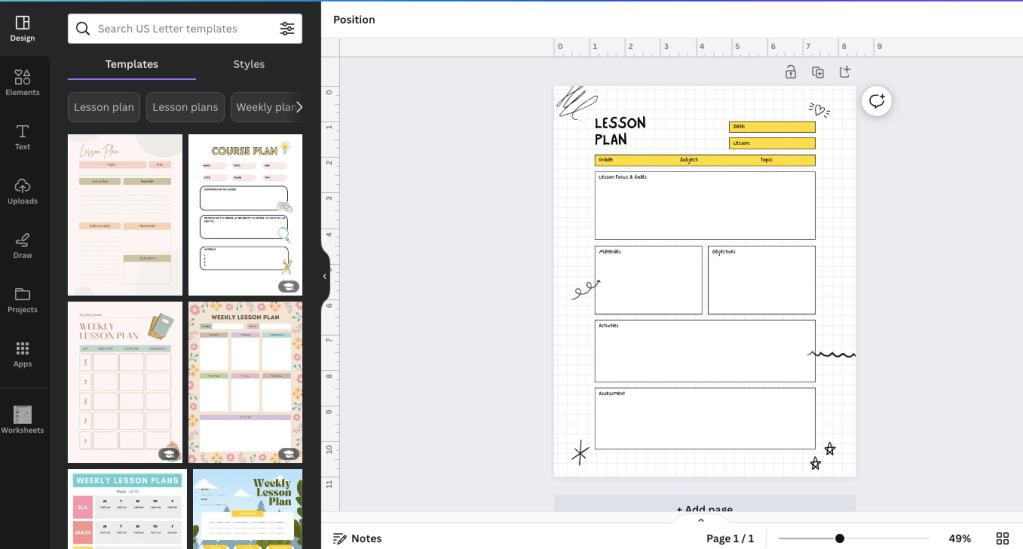
If you haven’t already started using it, Canva is a great tool for educators, and it’s free! You can create lesson plans, reading guides, handouts, printables, graphic organizers, posters, and presentations.
It has some limited funtionality and is best used to create resources that you will print out or that students will read. I prefer Google Docs and other Google programs for documents that I want students to edit or directly interact with.
When creating resources for teaching, as well as for Teachers Pay Teachers, I prefer a mix of MS Word, Google Docs and Forms, and Canva.
The best thing about Canva is their HUGE inventory of clip art and stock photography, which can really improve the overall look and appeal of your handouts, posters, and presentations.
By the way, this is NOT as sponosored post. I wish, ha ha! 🙂
 ELA Source
You must be logged in to post a comment.